Legacy Pico 6 Tutorials
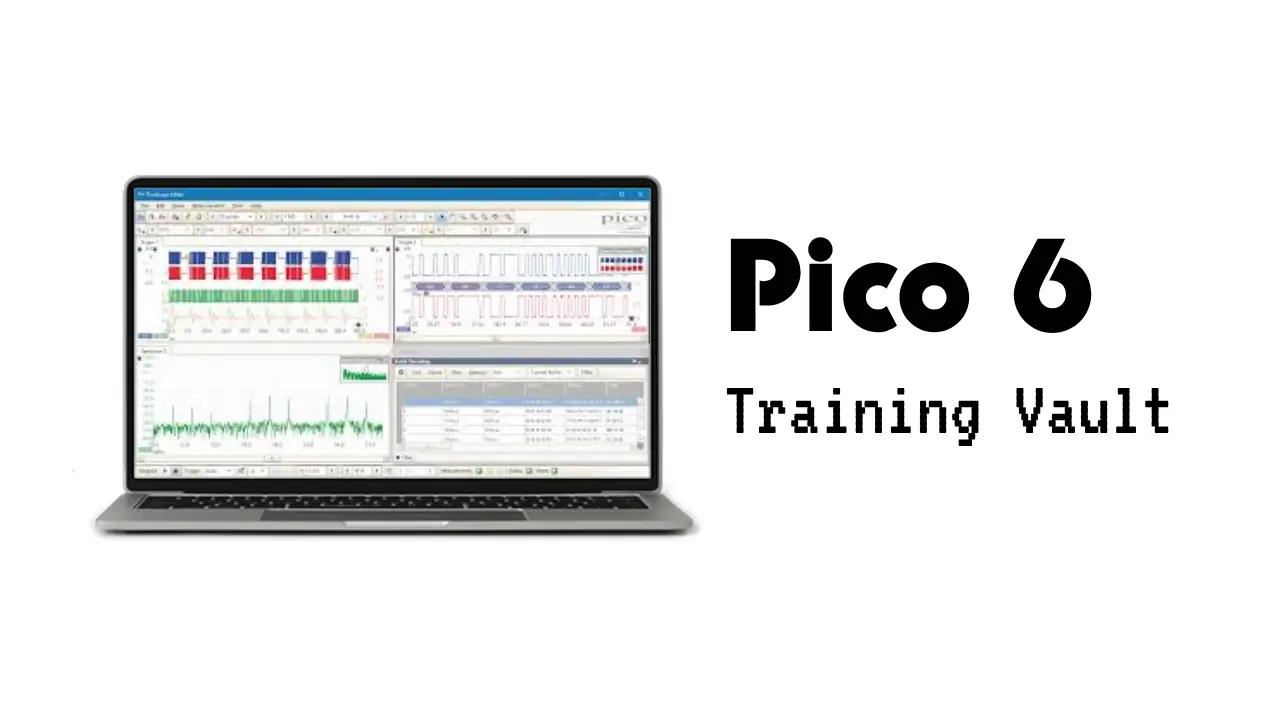
About Legacy Pico 6 Tutorials
Legacy Pico 6 Tutorials is a comprehensive course designed to help automotive professionals and enthusiasts master the use of PicoScope 6 software and hardware for vehicle diagnostics. The course covers everything from foundational oscilloscope concepts and software navigation to advanced features and real-world diagnostic strategies. You’ll learn how to set up and optimize your PicoScope, capture and analyze waveforms, use math channels and filtering, and leverage advanced triggering and reference waveform tools to diagnose complex automotive issues.
Throughout the modules, you’ll explore topics such as:
- Understanding sampling rates, triggers, and file management
- Customizing probes and scaling for various sensor types
- Comparing and analyzing multiple waveforms and captures
- Using advanced trigger modes and alarms for automated data collection
- Applying math channels, filtering, and measurement tools for in-depth analysis
- Navigating software updates, new features, and hardware differences between PicoScope models
- Accessing and contributing to the online waveform database for reference and sharing
By the end of the course, you can expect to confidently use PicoScope 6 for a wide range of automotive diagnostic tasks, from basic signal capture to advanced troubleshooting and waveform comparison, ensuring accurate and efficient problem-solving in the workshop.
What you'll learn
In this course, you will learn how to use PicoScope 6 software and hardware for automotive diagnostics, starting from the basics and progressing to advanced features. The tutorials are designed to help you understand how to set up your PicoScope, capture and analyze signals from vehicle sensors and systems, and use the software’s powerful tools to solve real-world automotive problems.
Here’s what will be covered:
- Introduction to PicoScope basics: sampling rates, triggers, and how to save and manage files
- Navigating the PicoScope 6 software interface and customizing it for your workflow
- Creating and editing custom probes for different sensor types and measurement needs
- Comparing multiple waveforms and using split-screen views for side-by-side analysis
- Using advanced trigger modes, alarms, and automated actions to capture intermittent faults
- Applying math channels and filters to analyze voltage drops, noise, and other signal characteristics
- Exploring new features and updates in different PicoScope 6 versions, including digital persistence, reference waveforms, and measurement statistics
- Understanding hardware differences between PicoScope models (such as 4423 and 4425) and how they affect your testing approach
- Accessing and contributing to the online waveform database for sharing and referencing diagnostic captures
By the end of the course, you will be able to confidently use PicoScope 6 for a variety of automotive diagnostic tasks, from basic signal capture to advanced troubleshooting, ensuring you can accurately diagnose and solve vehicle issues. The course is suitable for both beginners and experienced users, with clear explanations and practical demonstrations throughout.