Pico 7 Training Vault
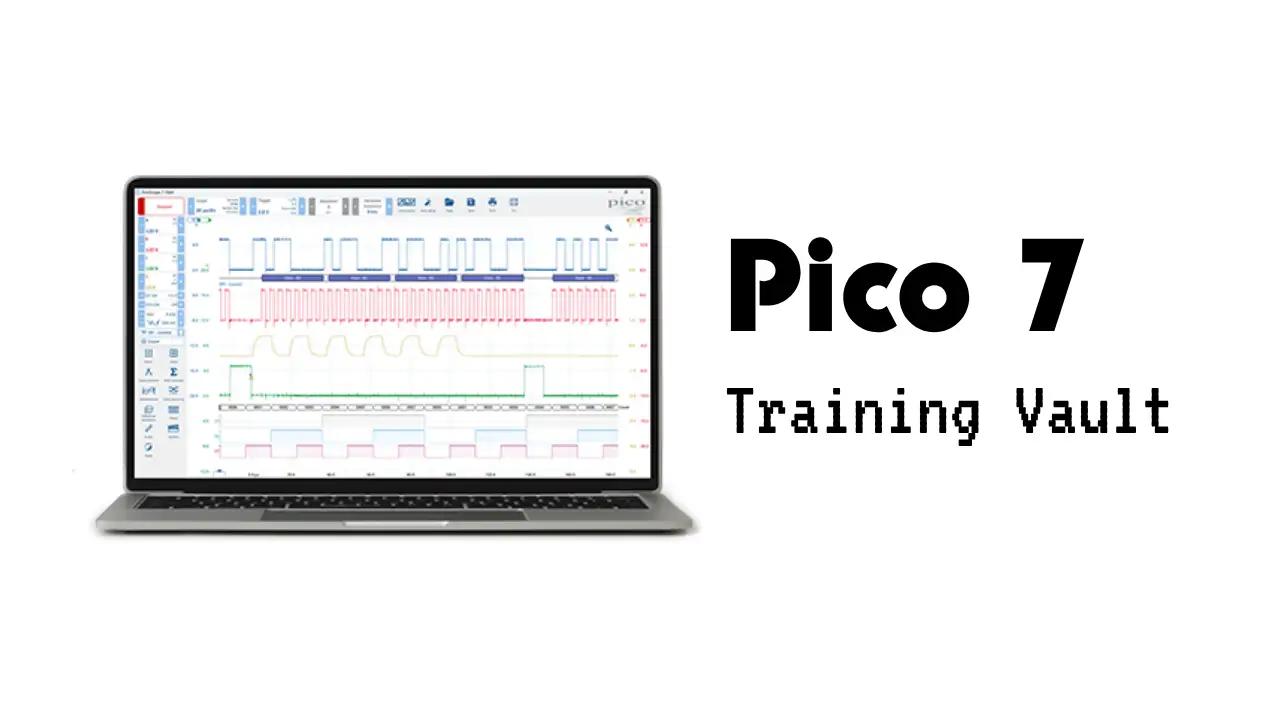
About Pico 7 Training Vault
The Pico 7 Training Vault is designed to help both beginners and experienced users become confident with PicoScope 7 Automotive software and hardware. The course starts with the basics, including software installation, initial setup, and a guided tour of the interface. You'll learn how to connect your PicoScope, adjust key settings like voltage scales and time bases, and use essential features such as triggers, cursors, and math channels. The training also covers how to save, open, and compare waveform captures, as well as how to use custom add-ons and probes for specialized automotive diagnostics.
As you progress, you'll gain practical skills for performing common automotive tests, such as relative compression, starting and charging system analysis, and voltage drop testing. The course explains how to synchronize waveforms to specific cylinders, apply filters to reduce signal noise, and use advanced features like reference waveforms and custom math channels. By the end, you'll know how to streamline your workflow, troubleshoot issues, and make the most of PicoScope 7's powerful diagnostic tools for accurate and efficient vehicle analysis.
What you'll learn
In this course, you will learn how to use PicoScope 7 Automotive software from the ground up. The training begins with installing the software and understanding the main interface, making it accessible even if you have never used PicoScope before. You'll be guided through connecting your scope, adjusting basic controls like voltage and time base, and using key features such as triggers, cursors, and math channels.
The modules cover practical skills for automotive diagnostics, including:
- Setting up and using custom add-ons and probes
- Performing and interpreting relative compression, starting, and charging system tests
- Adjusting voltage and time base settings for clear signal visualization
- Synchronizing waveforms to specific engine cylinders
- Using filters to reduce signal noise
- Saving, opening, and comparing waveform captures
- Transferring custom probe settings between computers or PicoScope versions
- Using reference waveforms and multiple views for side-by-side analysis
- Reporting issues and providing feedback within the software
By the end of the course, you will be able to confidently use PicoScope 7 for a variety of automotive tests, streamline your workflow, and troubleshoot common issues. The course is designed to build your skills step by step, whether you are a beginner or looking to deepen your understanding of PicoScope’s advanced features.